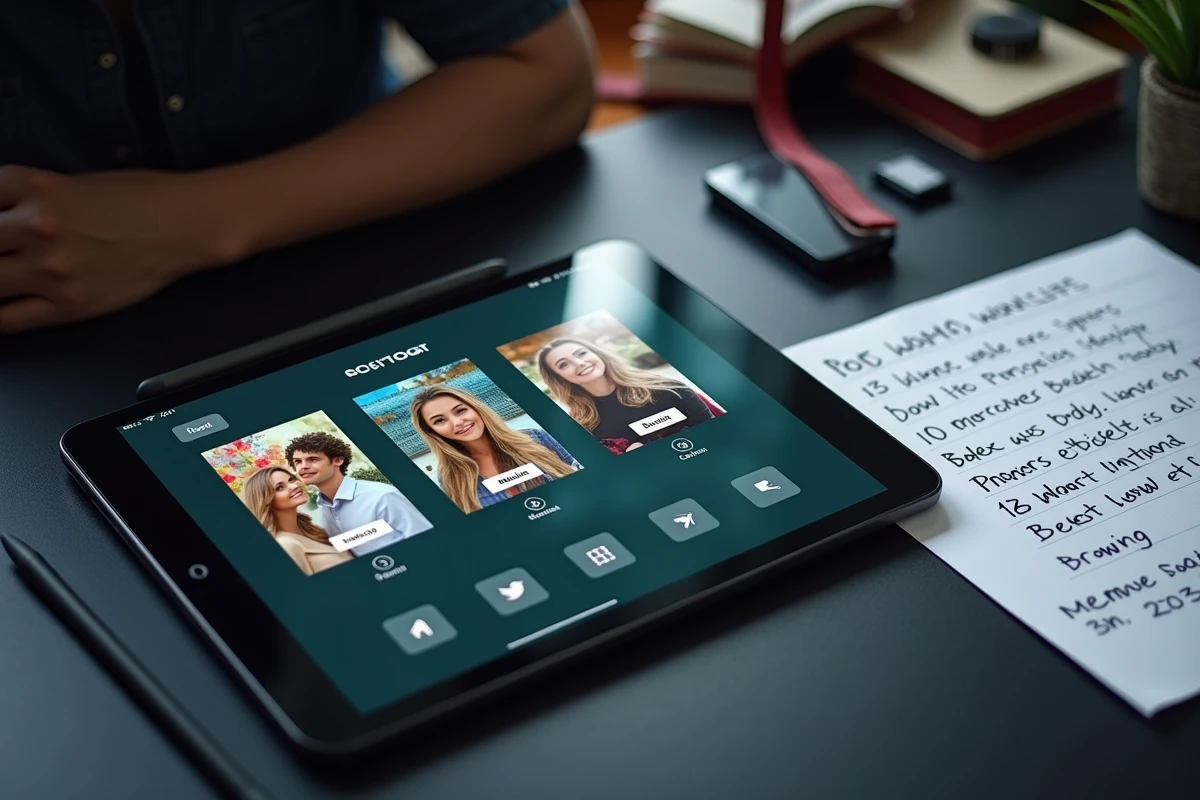
A photobooth relies on a tablet that captures, processes, and displays photos in real-time. The choice of this tablet determines the image quality, the smoothness of the application, and the reliability throughout the duration of an event. Three technical parameters separate a smooth animation from a device that crashes after an hour: the front sensor, the processor power, and software compatibility.
Software Compatibility and Operating System for Photobooth
The first question to address is not the brand of the tablet, but the photobooth software you plan to use. Some applications like LumaBooth work exclusively on iOS. Others, like dslrBooth, require Windows.
A device running Android opens access to free or low-cost apps on the Play Store, but the fragmentation of the system poses a real problem: an app stable on a Samsung Galaxy Tab may generate display bugs on a Lenovo tablet of the same price segment.
On iPad, the management of updates is more uniform. Apps dedicated to event photography are generally better optimized there. The downside: the entry price is higher, and connections to third-party accessories (printers, flashes) often require proprietary adapters.
Before making a purchase, check the compatibility list published by the editor of the chosen application. An article detailing the choice of tablet for photobooth can help cross-reference models with the most common software.

Front Photo Sensor and Real-World Rendering
The front sensor is the one that works during a photobooth, not the rear sensor. Most technical sheets highlight the rear camera, which is often much better. The front sensor, however, remains the neglected component in many models.
A front sensor of at least 8 megapixels is a minimum to obtain sharp prints in standard format. Resolution alone is not enough: the size of the sensor and the software processing of the image matter just as much, especially in low light.
The real conditions of an event (mixed lighting, fast movements, busy backgrounds) are very different from laboratory tests. Supplemental lighting, even a simple LED ring attached to the tablet stand, compensates for the limitations of a small sensor much better than upgrading to a higher model.
Image Processing and Artificial Intelligence
Some photobooth applications now integrate automatic enhancement features via AI: skin smoothing, exposure correction, real-time filter addition. This processing heavily taxes the processor.
A tablet equipped with a recent chip (Apple A15 or higher, Snapdragon 8 Gen 1 or equivalent) handles these processes without noticeable latency. On an older processor, the delay between capture and display of the result can reach several seconds, disrupting the flow of the animation.
Battery Life and Connectivity for Long-Duration Animation
A wedding or corporate event often lasts several hours. The tablet must last at least four to five hours of intensive use, with the screen constantly on, camera active, and application in the foreground.
In practice, most tablets on the market do not last this long with the screen at maximum brightness and Wi-Fi enabled. The most reliable solution remains to power the tablet continuously via a cable connected to a wall outlet or a high-capacity external battery.
- Ensure that the charging port is accessible once the tablet is mounted in its stand or kiosk.
- Plan for a cable long enough to avoid creating mechanical stress on the connector.
- If the tablet uses a USB-C port, a hub allows simultaneous connection of power and a photo printer.
The connectivity also determines the ability to print on-site. Instant printing remains the favorite animation of guests, but it requires a stable connection between the tablet and the printer, either via direct Wi-Fi or USB.
Photobooth Tablet and Eco-Responsible Event
Choosing a tablet for photobooth while considering its environmental footprint is an angle rarely addressed in technical guides. The subject arises on two levels: the hardware itself and the software usage.
Modular Models and Repairability
A tablet with a replaceable battery lasts longer than a sealed model. Some manufacturers publish a repairability index that allows for objective comparison of models. Prioritizing a repairable tablet means avoiding the need to buy a complete device when only the battery wears out after two seasons of events.
The refurbished market also offers relevant options. A refurbished recent-generation iPad provides the same performance as a new one at a lower cost and material impact.
Low-Data Applications and Local Sharing
Sending high-resolution photos to a cloud consumes bandwidth and server energy. Some photobooth applications offer a local sharing mode, via QR code or through a dedicated Wi-Fi network, without routing through a remote server.
- QR code sharing allows guests to retrieve their photos directly from the tablet, without an internet connection.
- Photos can be compressed on the application side before sending, reducing the volume of data transferred.
- A photobooth in offline mode works even in locations without network coverage, which is common in rural areas or basements.
This mode of operation reduces dependence on mobile networks and limits the overall energy consumption of the animation.
Screen Size and Ergonomics for Guests
A ten-inch screen is the most common format for a photobooth. Below that, framing becomes uncomfortable for group photos. Beyond that, the tablet becomes heavy and more difficult to secure in a stable kiosk.
The screen brightness must exceed 400 nits to remain readable outdoors or in a very bright environment. This is a criterion often overlooked that becomes evident during outdoor events or near large windows.
The touch response must be instantaneous, even when multiple fingers touch the screen simultaneously. Entry-level tablets sometimes display a response time that makes navigation in the application hesitant, especially when guests trigger photos quickly.
The ideal tablet for a photobooth is not necessarily the most expensive on the market. It is the one whose operating system matches the chosen application, whose front sensor produces usable images in real-world event conditions, and whose connectivity allows for continuous power and reliable printing. Adding the eco-responsible dimension to the specifications points towards durable models and more sustainable software usage, without compromising the quality of the animation.